MemCull
Every Swipe
Rediscovers a Memory
Say goodbye to a bloated gallery. Swipe up to delete, swipe down to keep. MemCull turns photo cleanup into a cinematic ritual of rediscovery.

Memory 1
Swipe up to move to recycle bin

Six Experiences That Redefine Gallery Cleanup
From gesture interaction to information display, privacy protection to visual aesthetics—every detail is built for your memories.
Minimal Swipe Interaction
Swipe up to delete, swipe down to keep. Haptic feedback and silky 120 Hz animations make cleanup lightning fast.
Pro Image Metadata
Deep EXIF parsing. Shutter speed, aperture, ISO, focal length, and even lens model—all at a glance.
Precise Location
Integrated with Amap LBS to accurately restore country, province, city, and district details of where each photo was taken.
Persistent Recycle Bin
Deleted photos stay safe. The recycle bin persists across app restarts, so you can recover them anytime.
Privacy First
All image processing happens locally. Advanced permissions reduce system prompts so you can focus on cleaning.
Frosted Glass Aesthetic
Apple-style Cupertino UI with an exquisite frosted-glass visual experience.
See Memories, See Efficiency
Swipe up to delete · Swipe down to keep

Shuffle Through Your Photos
Put every choice back in your hands. MemCull's interaction comes from real gallery cleanup scenarios—no complex menus, no extra pop-ups, just the most natural up-and-down swipes.
- Zero learning curve: gestures feel like the native gallery
- Real-time haptic feedback gives every swipe a sense of confirmation
- Accidental deletions can be undone immediately or recovered later from the recycle bin
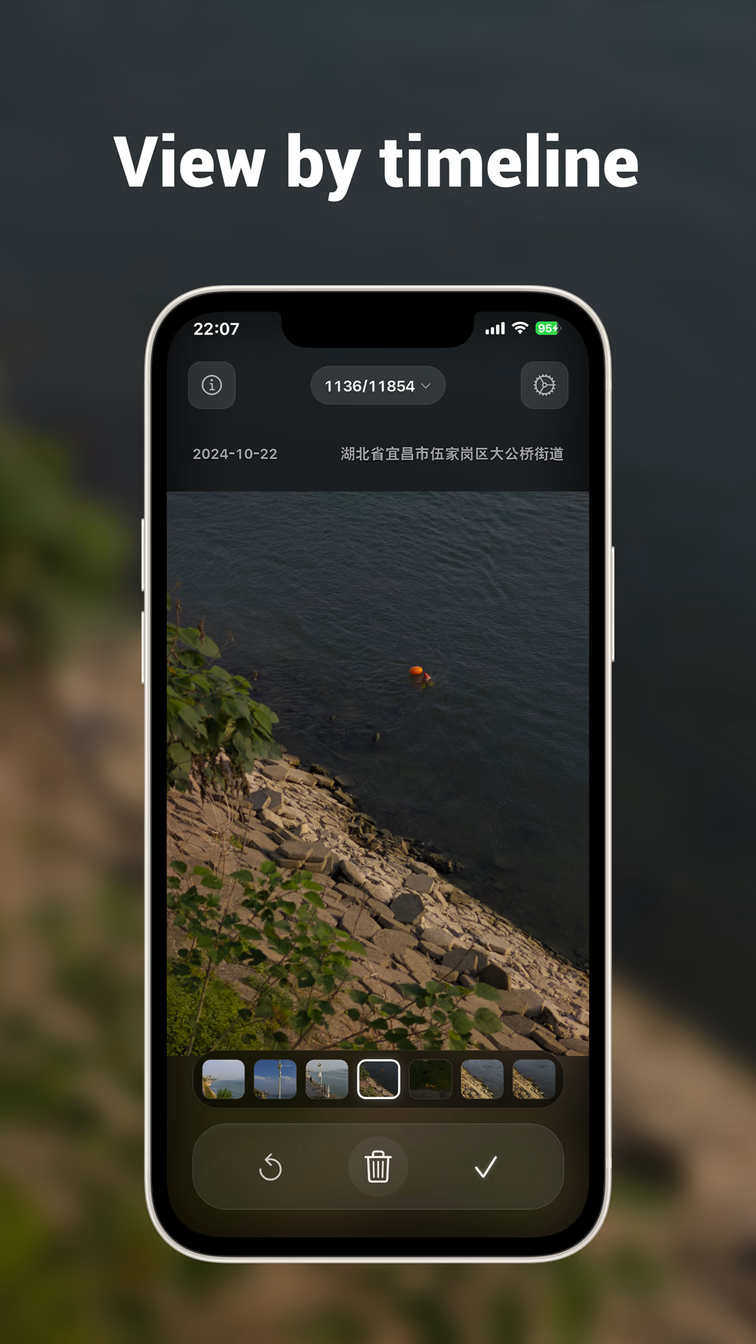
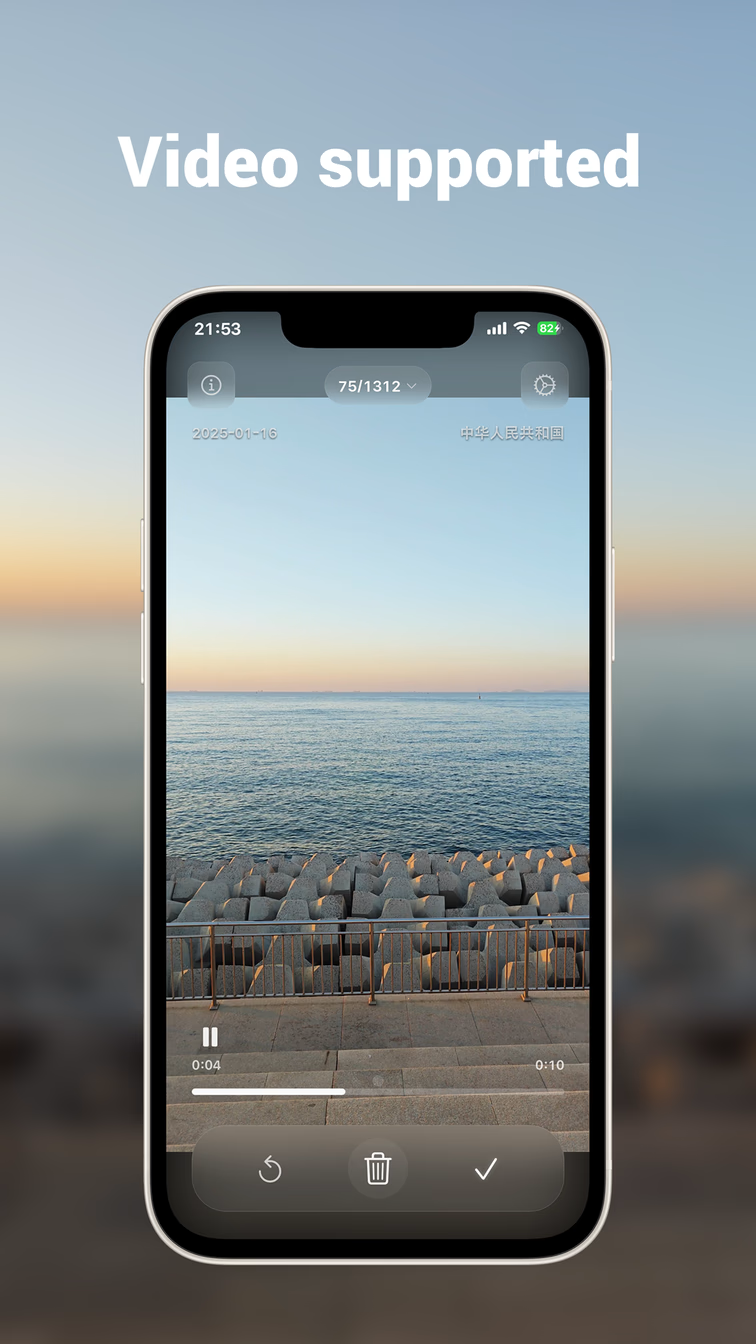
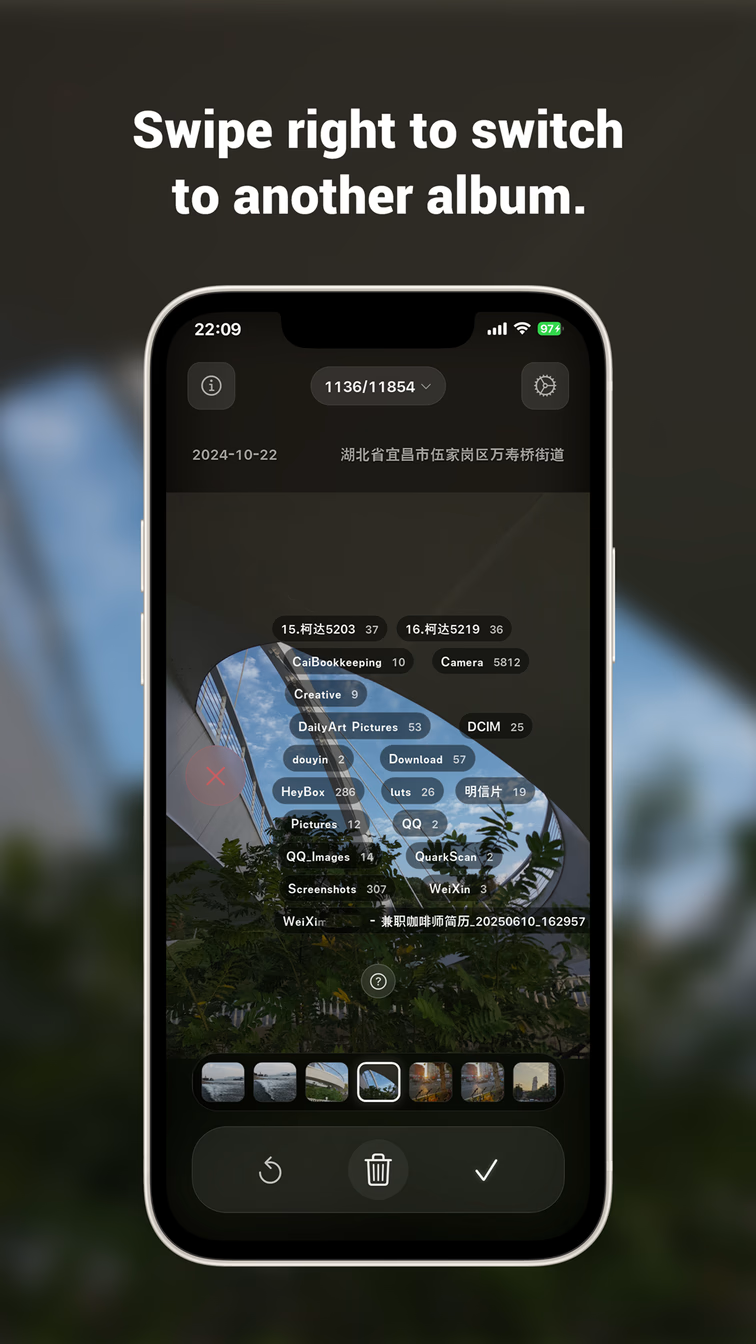
Timeline View
Start Cleaning in Three Steps
Install
Get MemCull from Google Play or download the APK directly to your Android device.
Grant Access
Allow access to your photos, and MemCull will start scanning right away.
Swipe to Clean
Swipe up to delete, swipe down to keep. Quickly organize your gallery and rediscover your memories.
What People Say About MemCull
“MemCull completely changed the way I organize my gallery—the swipe interaction is so fluid!”
University Student
“The EXIF viewer is incredibly useful. I can finally see the shooting parameters of every photo.”
Professional Photographer
“The clean interface and frosted-glass effects are captivating. Cleaning my gallery has become a pleasure.”
Designer
Your Memories Belong Only to You
We believe photos are your most personal digital assets. From the ground up, MemCull is local-first: every recognition, classification, and cleanup action happens on your device—no data ever leaves your phone.
Organizing your gallery should never be a compromise on privacy. Every swipe is a gesture of respect for your memories.
100%
local processing, no photo uploads
0
cloud data collection, zero server dependency
30 Days
recycle bin retention for easy recovery
1 Time
one-time permission to reduce system prompts
Ready to Organize Your Memories?
Download the latest version from Google Play or grab the APK directly. No account, no subscription—install and go.